mirror of
https://github.com/viliusle/miniPaint.git
synced 2026-02-06 15:16:44 +00:00
online image editor
| dist | ||
| examples | ||
| images | ||
| src | ||
| tools/translator | ||
| .gitignore | ||
| index.html | ||
| MIT-LICENSE.txt | ||
| package-lock.json | ||
| package.json | ||
| README.md | ||
| webpack.config.js | ||

miniPaint
Online graphics editing tool lets create, edit images using HTML5 technologies. No need to buy, download, install or have obsolete flash. Key features: layers, drag & drop, transparency, filters, no-flash, open source.
miniPaint operates directly in the browser. You can create images, paste from clipboard (ctrl+v) or upload from computer (using menu or drag & drop). Nothing will be sent to any server. Everything stays in your browser.
URL:
http://viliusle.github.io/miniPaint/
Preview:
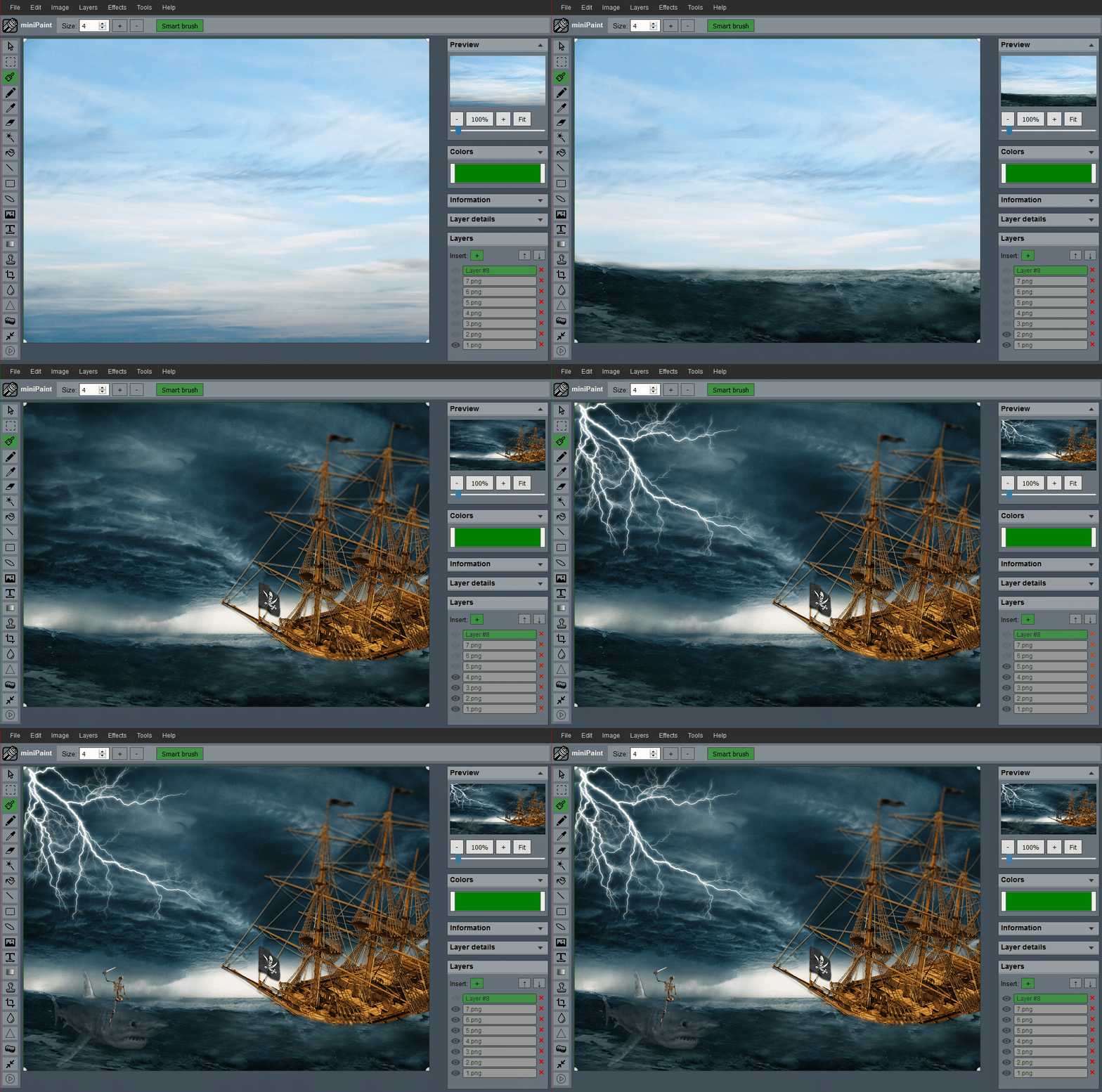 (generated using miniPaint)
Change log: /miniPaint/releases
Browser Support
- Firefox
- Chrome
- Opera
- Edge
- Safari
- IE 11 (?)
Features
- Files: open images, directories, URL, drag and drop, save (PNG, JPG, BMP, WEBP, animated GIF, JSON (layers data), print.
- Edit: Undo, cut, copy, paste, selection, paste from clipboard.
- Image: information, EXIF, trim, zoom, resize (Hermite resample, default resize), rotate, flip, color corrections (brightness, contrast, hue, saturation, luminance), auto adjust colors, grid, histogram, negative.
- Layers: multiple layers system, differences, merge, flatten, Transparency support.
- Effects: Black and White, Blur (box, Gaussian, stack, zoom), Bulge/Pinch, Denoise, Desaturate, Dither, Dot Screen, Edge, Emboss, Enrich, Gamma, Grains, GrayScale, Heatmap, JPG Compression, Mosaic, Oil, Sepia, Sharpen, Solarize, Tilt Shift, Vignette, Vibrance, Vintage,
- Tools: pencil, brush, magic wand, erase, fill, color picker, letters, crop, blur, sharpen, desaturate, clone, borders, sprites, key-points, color to alpha, color zoom, replace color, restore alpha, content fill.
- Help: keyboard shortcuts, translations.
Embed
To embed this app in other page, use this HTML code:
<iframe style="width:100%; height:35vw;" src="https://viliusle.github.io/miniPaint/"></iframe>
Build instructions
- git clone https://github.com/viliusle/miniPaint.git
- cd miniPaint
- npm install
- webpack-dev-server (using http://localhost:8080/ with live reload, require: npm install -g webpack-dev-server)
- edit files...
- webpack -p (build for production)
License
MIT License
Support
Please use the GitHub issues for support, features, issues or use mail www.viliusl@gmail.com for contacts.