 bce2b04175
* Remove hacks to support now dev * Fix local development for now dev * Update CONTRIBUTING.md * Add now dev to package.json |
||
|---|---|---|
| .fonts | ||
| .github | ||
| public | ||
| src | ||
| .gitignore | ||
| .nowignore | ||
| .yarnrc | ||
| CONTRIBUTING.md | ||
| Dockerfile | ||
| LICENSE | ||
| now.json | ||
| package.json | ||
| README.md | ||
| tsconfig.json | ||
| yarn.lock | ||
Open Graph Image as a Service
Serverless service that generates dynamic Open Graph images that you can embed in your <meta> tags.
For each keystroke, headless chromium is used to render an HTML page and take a screenshot of the result which gets cached.
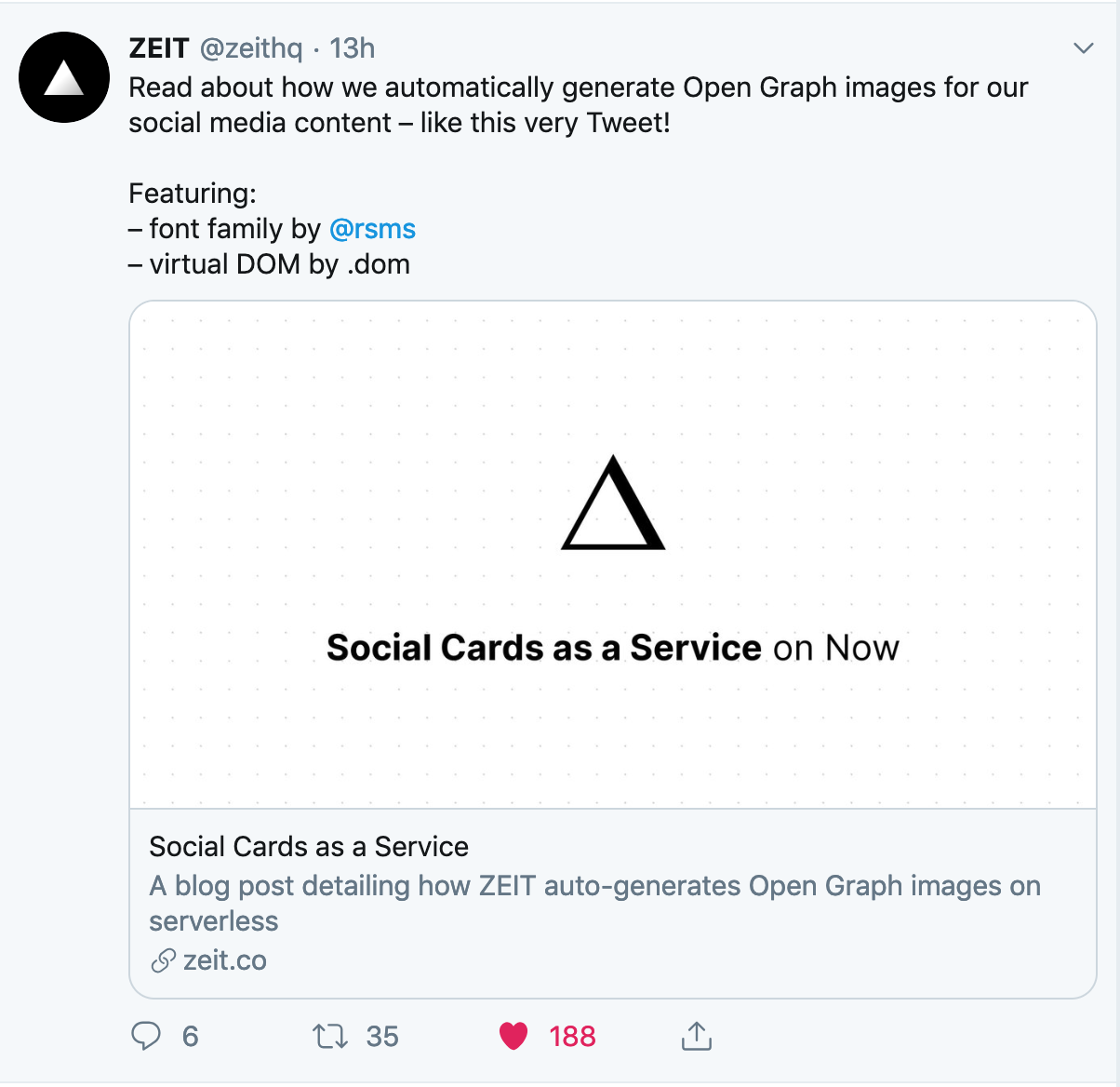
See the image embedded in the tweet for a real use case.
What is an Open Graph Image?
Have you ever posted a hyperlink to Twitter, Facebook, or Slack and seen an image popup?
How did your social network know how to "unfurl" the URL and get an image?
The answer is in your <head>.
The Open Graph protocol says you can put a <meta> tag in the <head> of a webpage to define this image.
It looks like the following:
<head>
  <title>Title</title>
  <meta property="og:image" content="http://example.com/logo.jpg" />
</head>
Why use this service?
Read the blog post for more info on the "Why" part.
The short answer is that it would take a long time to painstakingly design an image for every single blog post. And we don't want the exact same image for every blog post because that wouldn't make the article stand out when it was shared to Twitter.
That's where og-image.now.sh comes in. We can simply pass the title of our blog post to our generator service and it will generate the image for us on the fly!
It looks like the following:
<head>
  <title>Hello World</title>
  <meta property="og:image" content="https://og-image.now.sh/Hello%20World.png" />
</head>
Now try changing the text Hello%20World to the title of your choosing and watch the magic happen ✨
Deploy your own
You'll want to fork this repository and deploy your own image generator.
- Click the fork button at the top right of GitHub
- Clone the repo to your local machine with
git clone URL_OF_FORKED_REPO_HERE - Make changes by swapping out images, changing colors, etc (see contributing for more)
- Deploy by running
nowfrom the CLI (if you don't already have it, runnpm install -g now)
Alternatively, you can do a one-click to deploy with the button below.

Once you have an image generator that sparks joy, you can setup automatic Now + GitHub deployments so that pushing to master is also deploying to production! 🚀
Authors
- Steven (@styfle) - ZEIT
- Evil Rabbit (@evilrabbit) - ZEIT